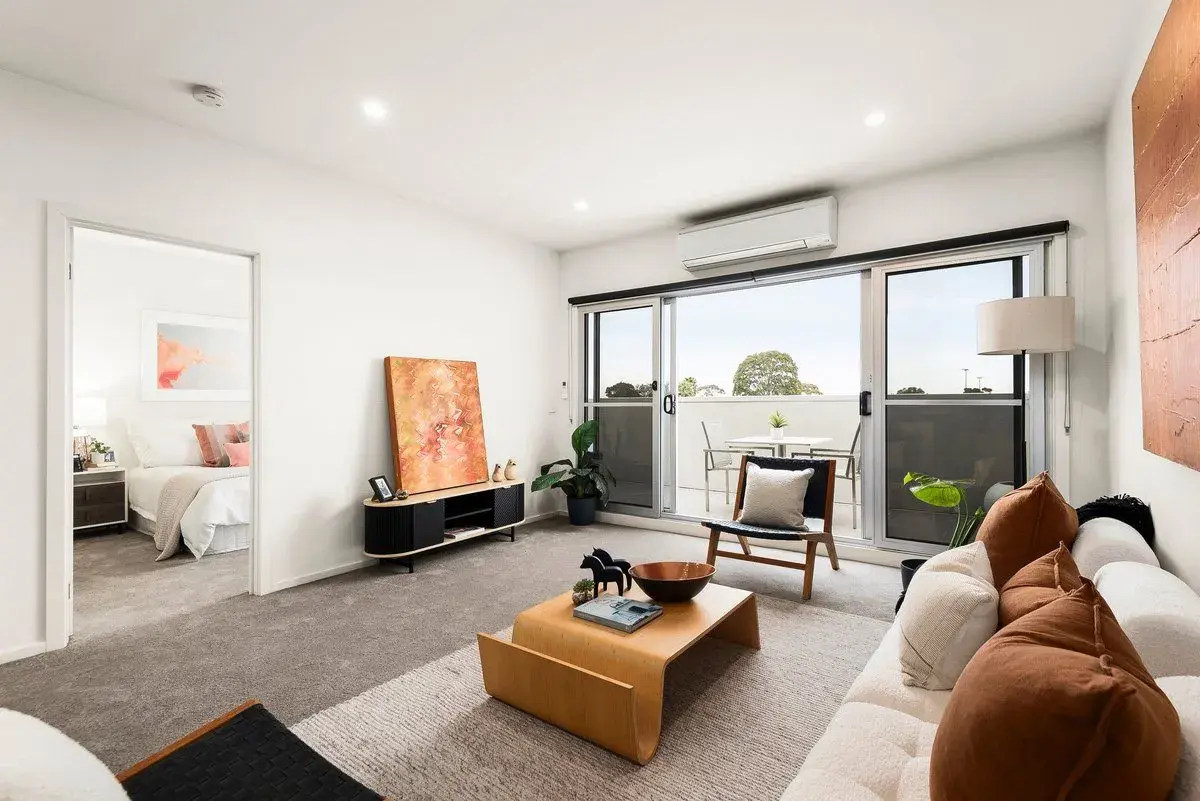
For sale off market
4/349-351 Bluff Road, Hampton
Melbourne, VIC
$525,000
2 bedroom apartment · Hodges
On the agency's own site, not on the big portals when we checked on 22 September 2026. Photo: Hodges.

Search our multi-source property inventory, then narrow it with mapped risks, distance to amenities, and street and suburb market context — in the same place.
For sale off marketOff market properties, now in the Property Finder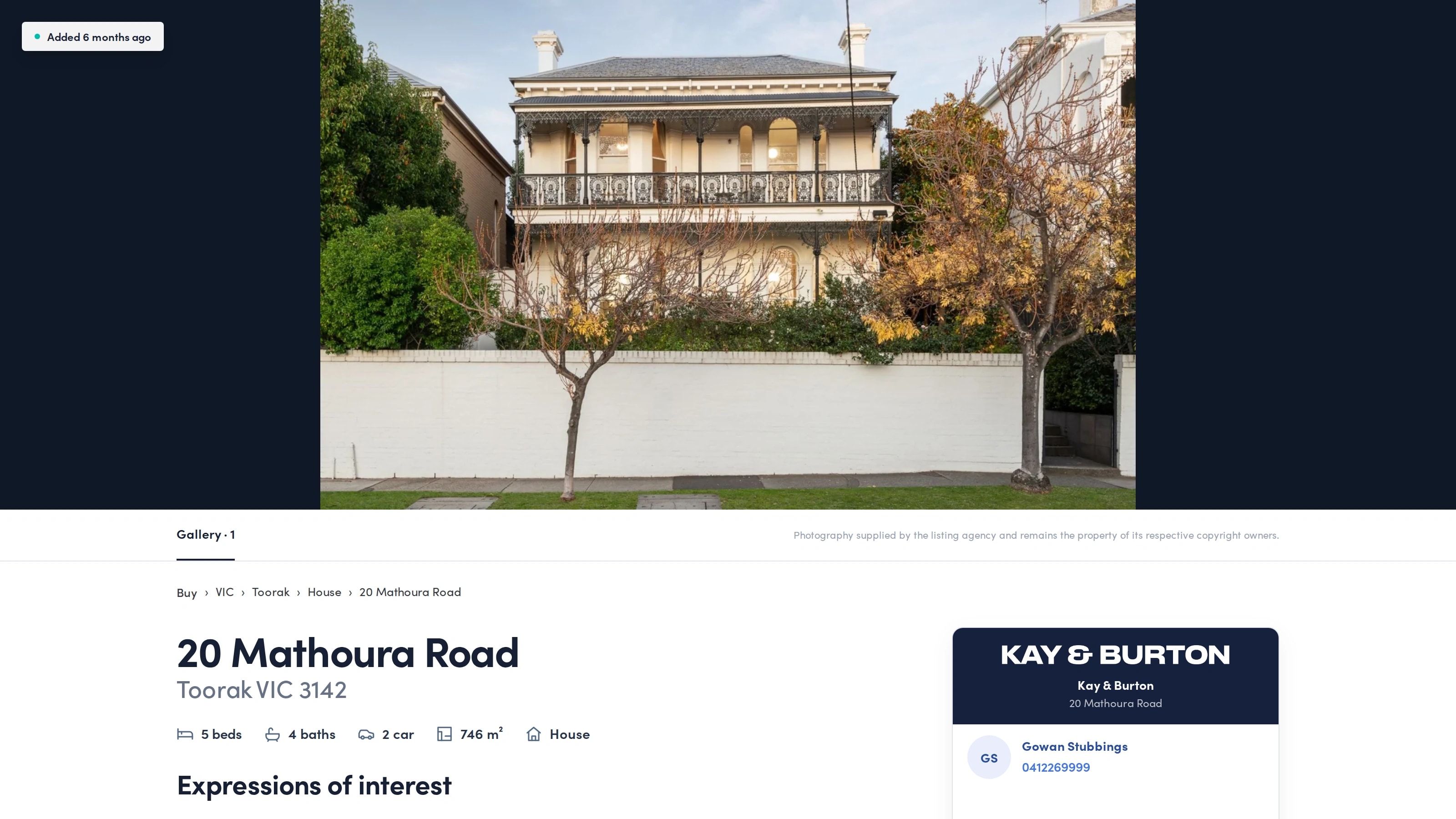
Off market properties
Switch on Off market only. Every home shows For sale off market straight after its address. You see the price or guide and the selling agency. Each home links directly to the agency’s own listing page.
For every 100 homes for sale on the big property portals, we found about 5 more for sale only on agency sites (41 suburbs of Melbourne's inner south, September 2026).
Melbourne, VIC
$525,000
2 bedroom apartment · Hodges
On the agency's own site, not on the big portals when we checked on 22 September 2026. Photo: Hodges.
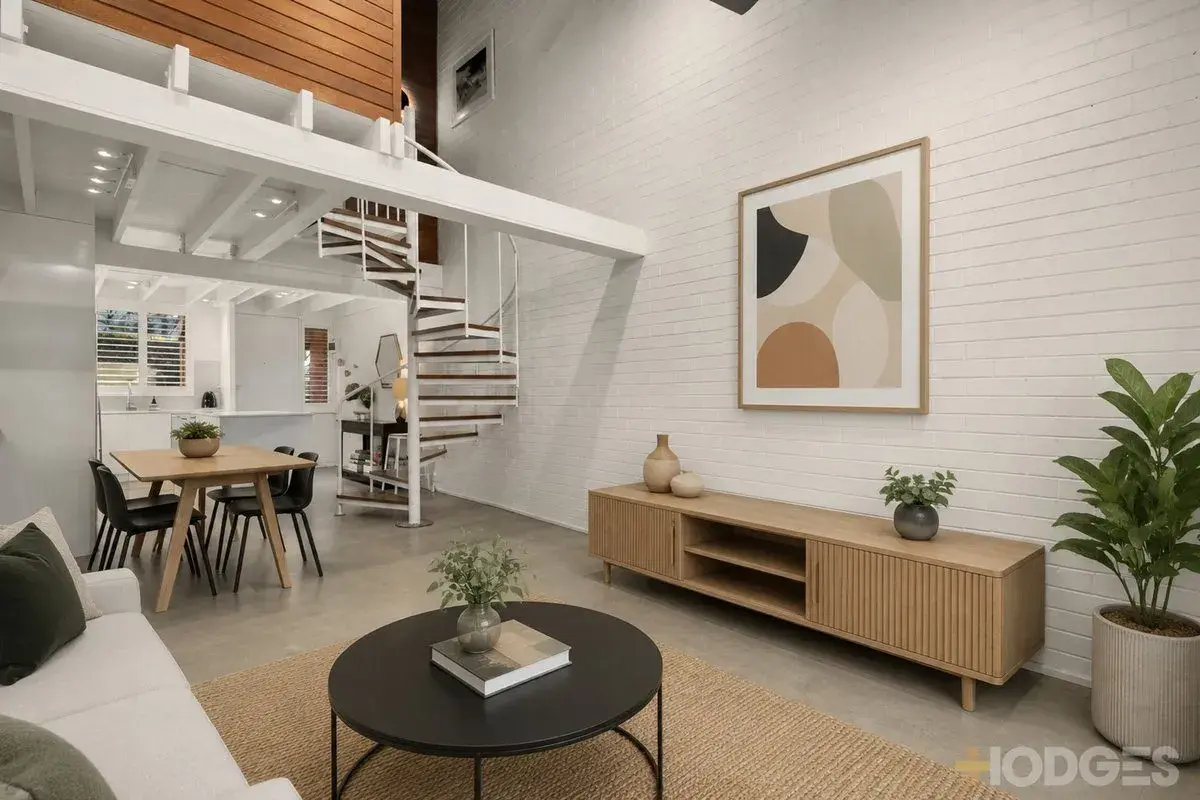
Melbourne, VIC
$700,000
1 bedroom apartment · Hodges
On the agency's own site, not on the big portals when we checked on 22 September 2026. Photo: Hodges.
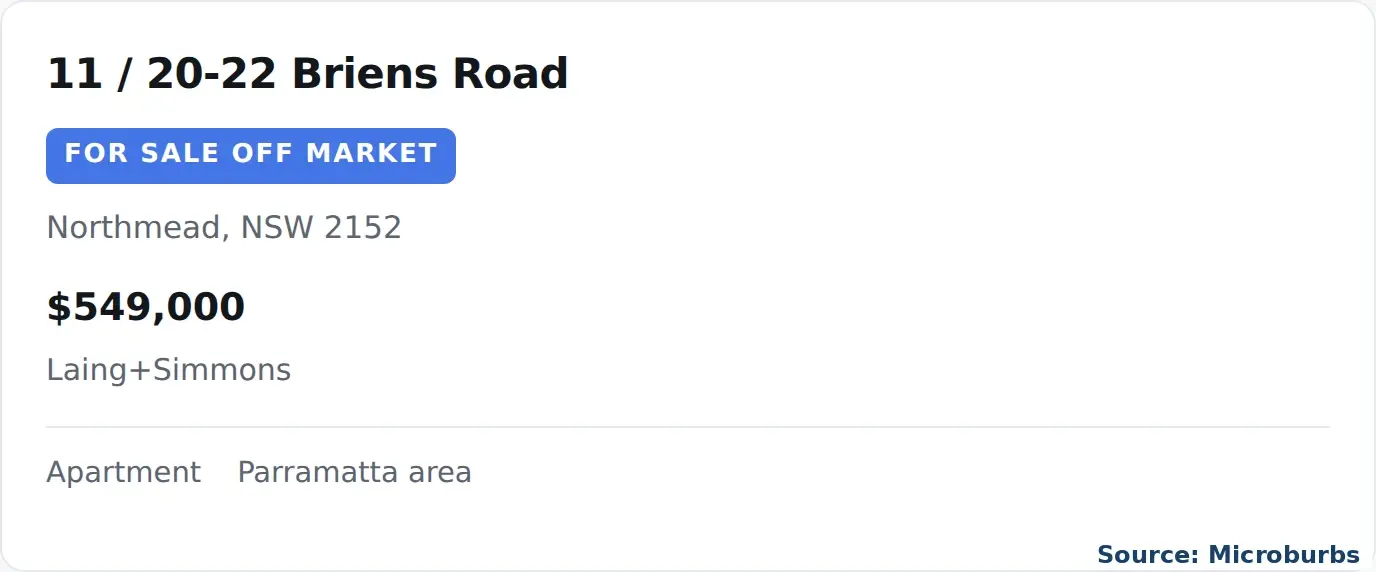
Sydney, NSW
$549,000
Apartment · Laing+Simmons
On the agency's own site, not on the big portals when we checked on 22 September 2026.
The shortlist problem
Price, bedrooms, bathrooms and property type are useful. They are also the filters buyers already expect from a property portal.
A serious shortlist needs another pass: mapped hazards, proximity to the places a client uses, and whether the property's own street fits the investment brief. Those checks can mean leaving the listing search and rebuilding the context elsewhere.
Property Finder puts those decisions into the search itself, so the list gets smaller before the due diligence gets expensive.
What changes the decision
These are the controls not present in the public REA or Domain property-search filter panels inspected on 27 August 2026.
Mapped risks
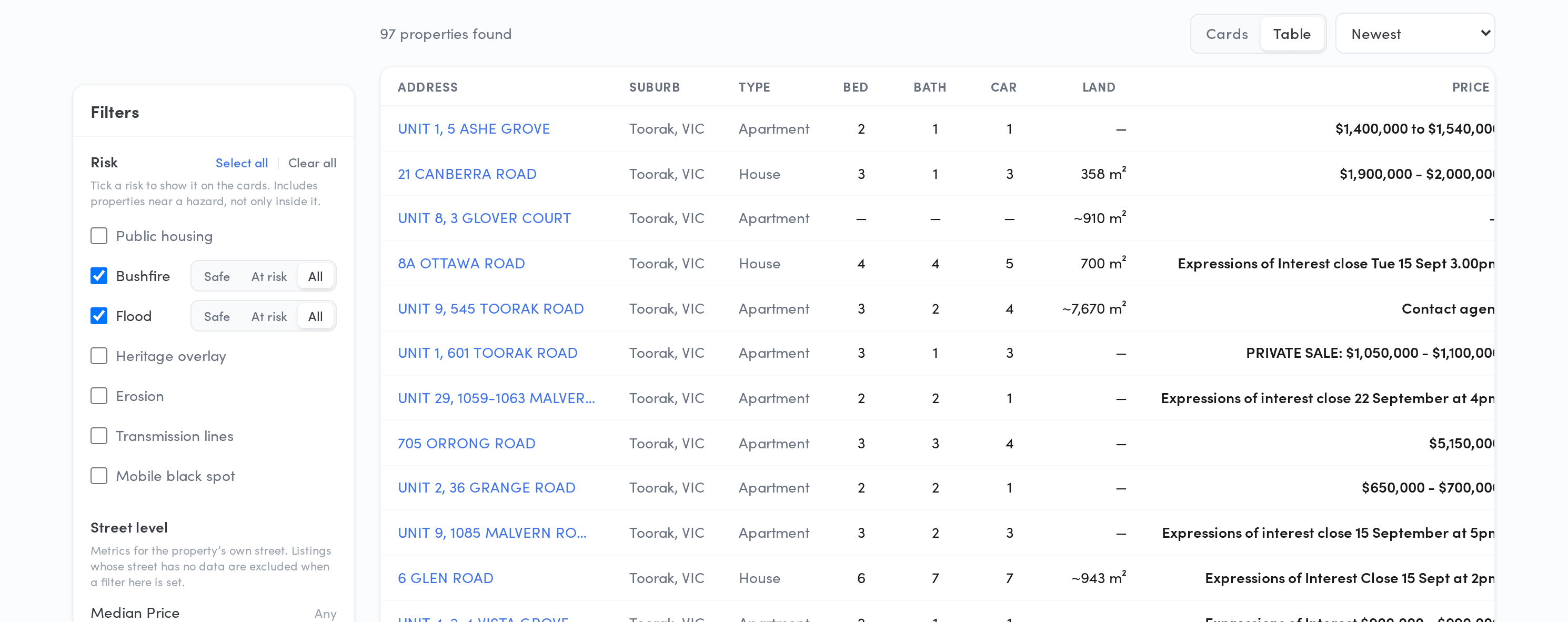
Screen for public housing, bushfire, flood, heritage overlay, erosion, transmission lines and mobile black spots. Surface a risk on the results, or keep only listings marked Safe or At risk.
Measured distance
Set minimum and maximum distance bands for schools, supermarkets, railway stations, parks, beaches, bus stops and health services. Selected results show the nearest matching place and measured distance.
Street and suburb context
Filter on street median price, median rent, ten-year growth and renter share. Add suburb price, rent, growth and renter-share limits in the same search.
The real product
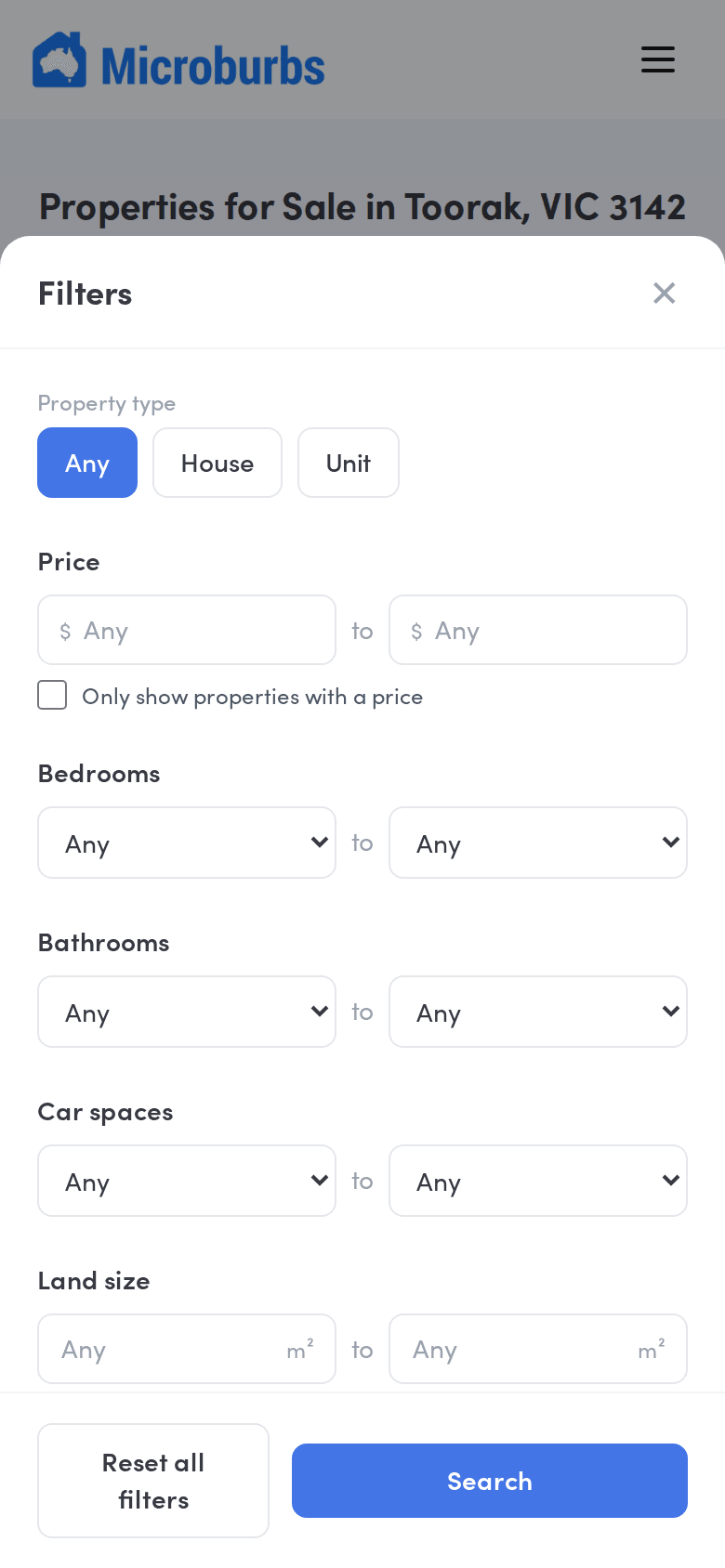
See the active controls, the resulting cards and the context used to keep or reject a listing without losing the search.
An inspectable workflow
Property Finder is a filtered search, not an automatic recommendation score. The criteria remain visible and the sort remains yours.
Search up to 10 named suburbs or one broader region. Include neighbouring suburbs when the brief can stretch across a boundary.
Set beds, baths, cars, price, land size and property type. Then apply risk, amenity-distance, street and suburb filters before anyone drives to an inspection.
Sort cards or use the table view. Open the available listing detail, or move into a Microburbs Property Report for the address-level research.
The honest limits
When a risk filter is applied, a listing without the coordinates needed to test it is excluded rather than labelled Safe. Optional campaign details remain optional. That means some listings will have richer photography and contact information than others.
For buyer's agents and serious investors
Move from a broad multi-source search to a smaller set of properties worth inspecting, then use a Property Report for the address-level research.